Downloads
Zoom Backgrounds
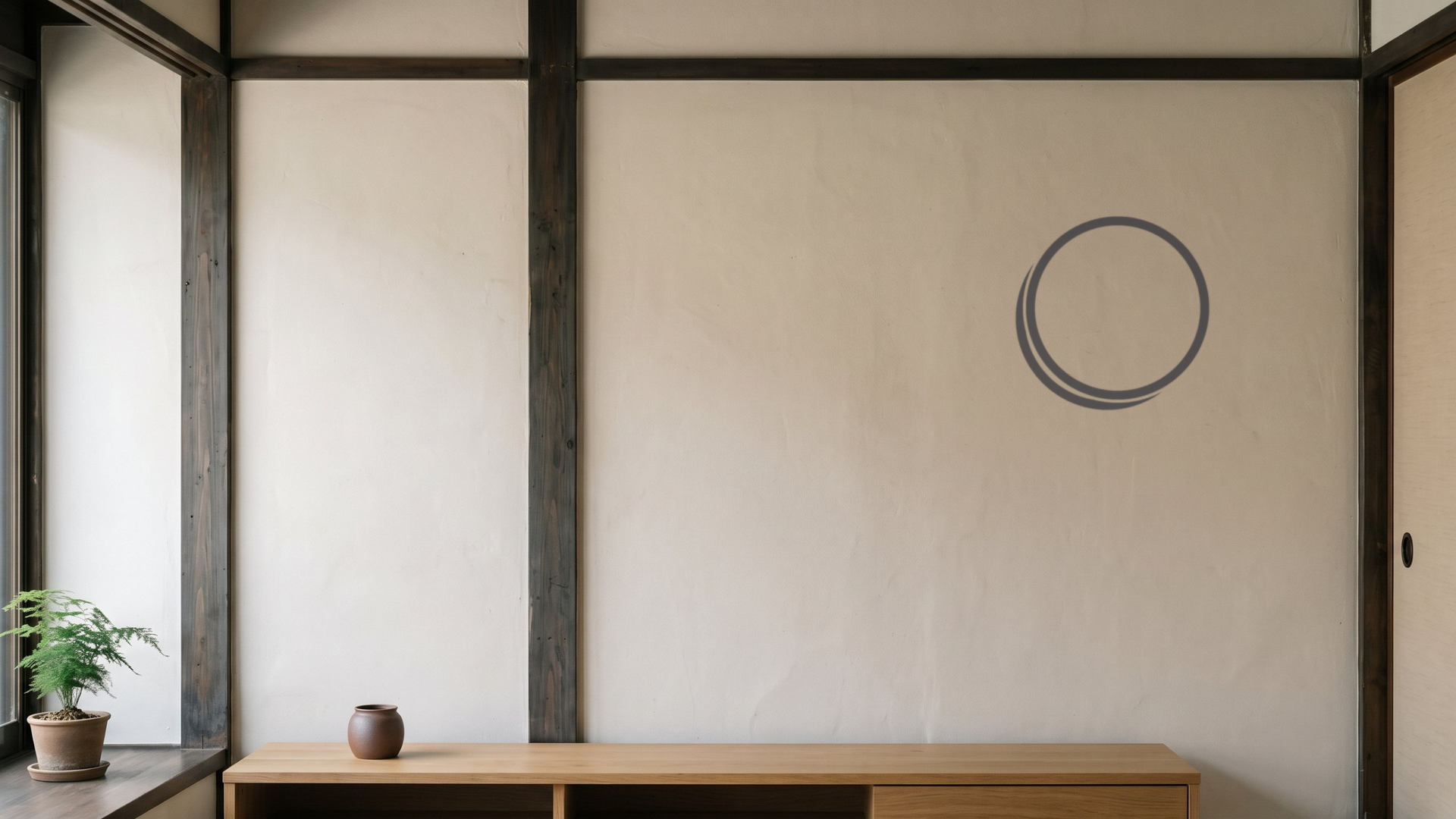
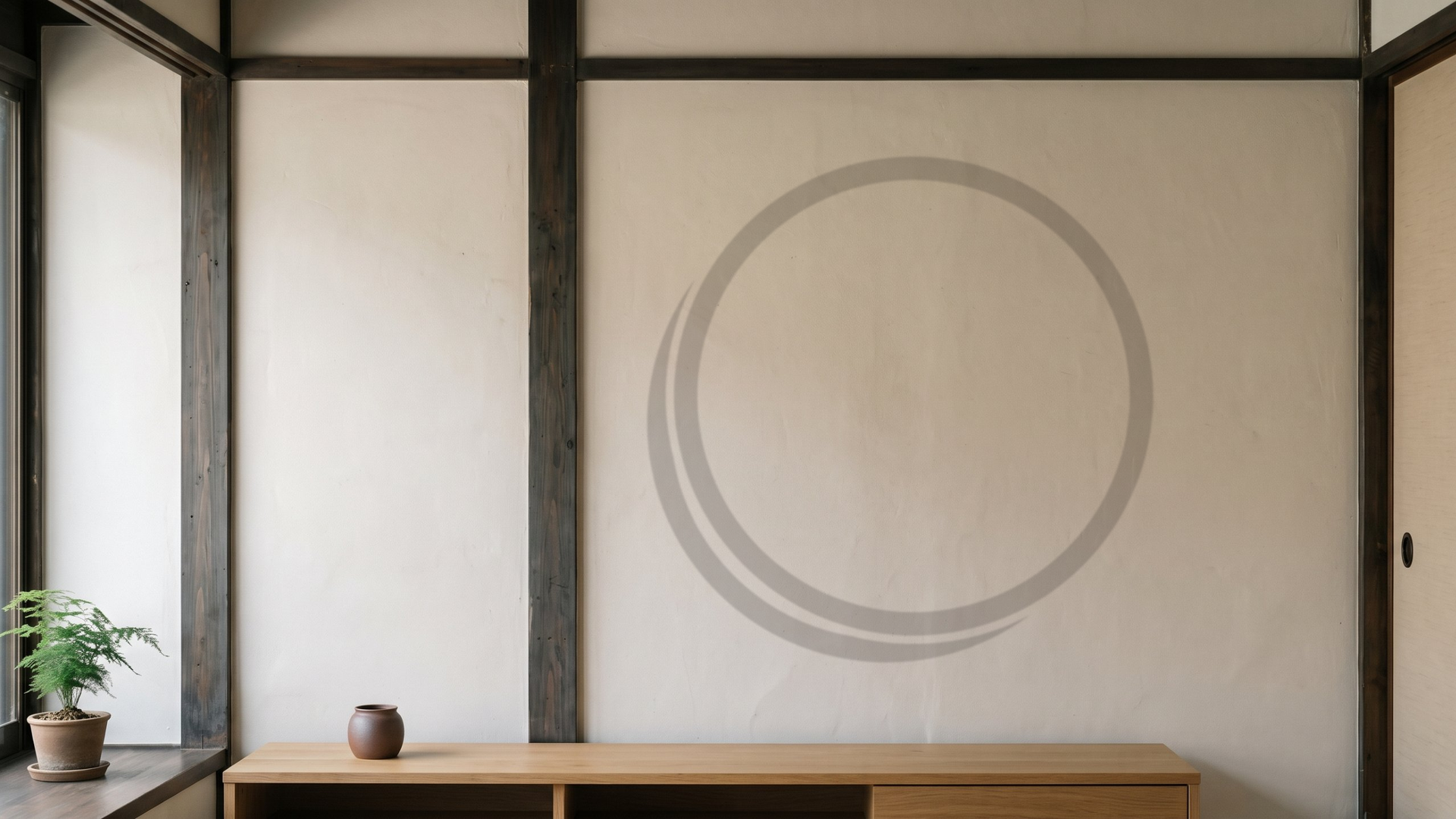
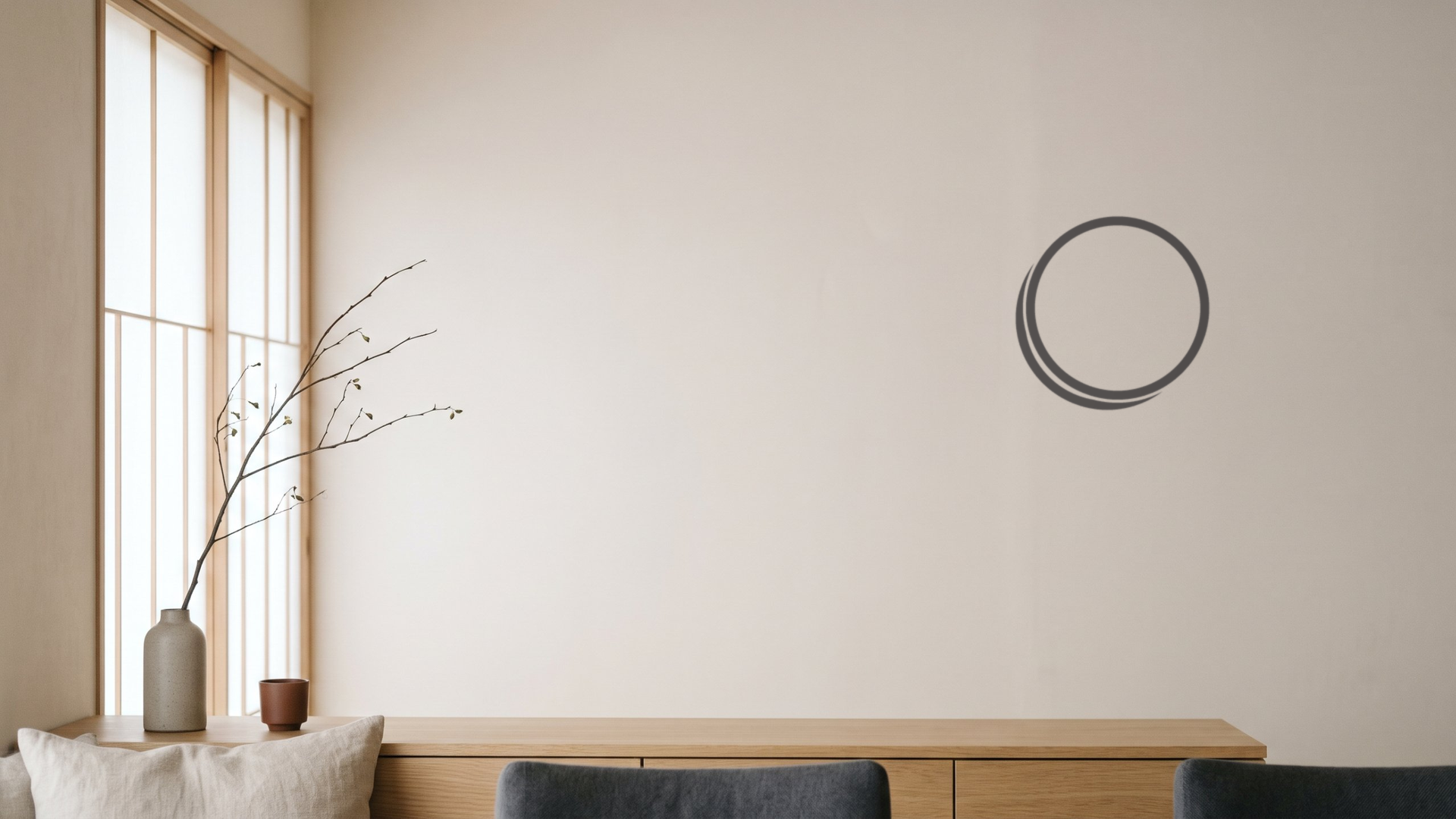
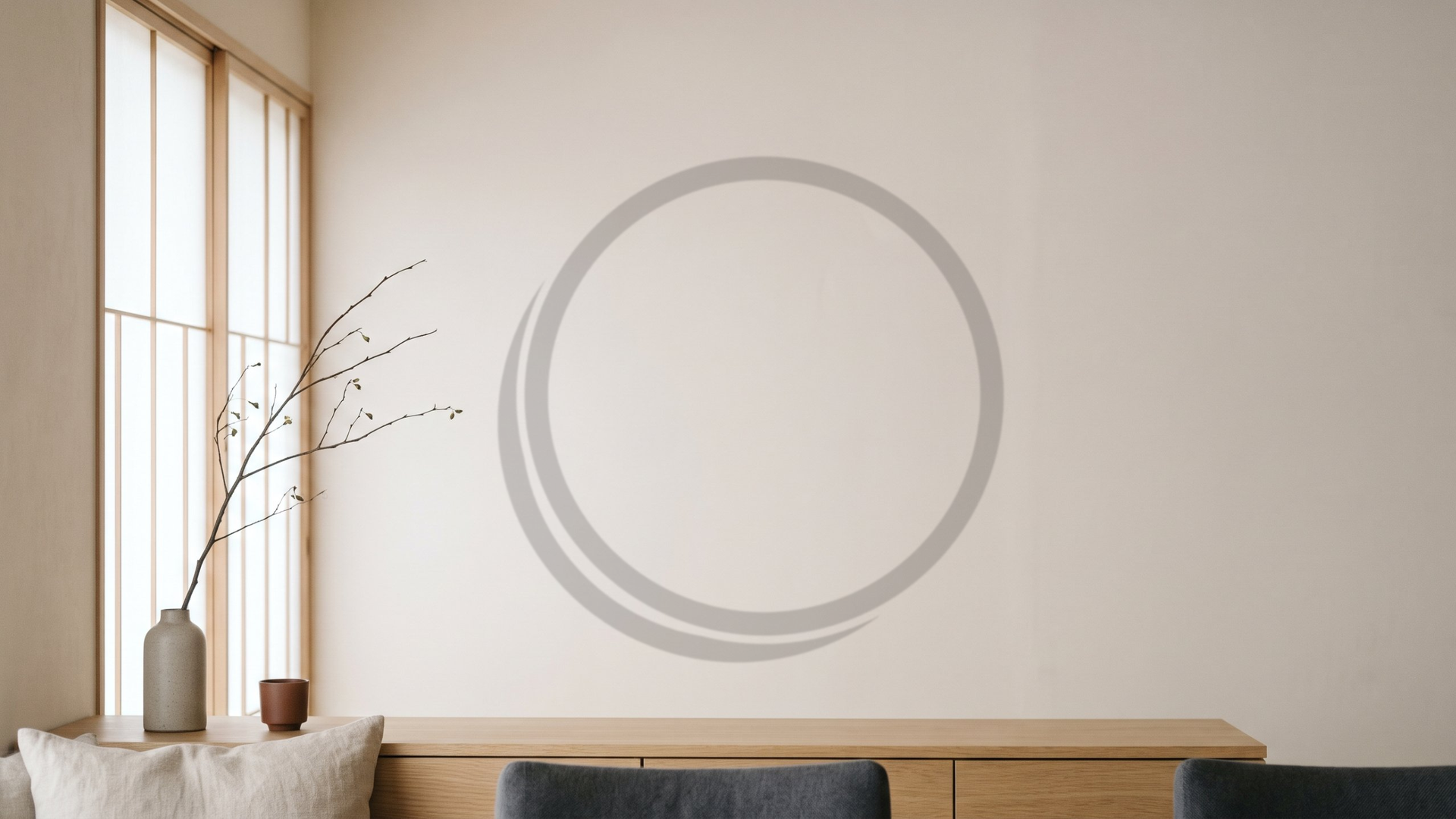
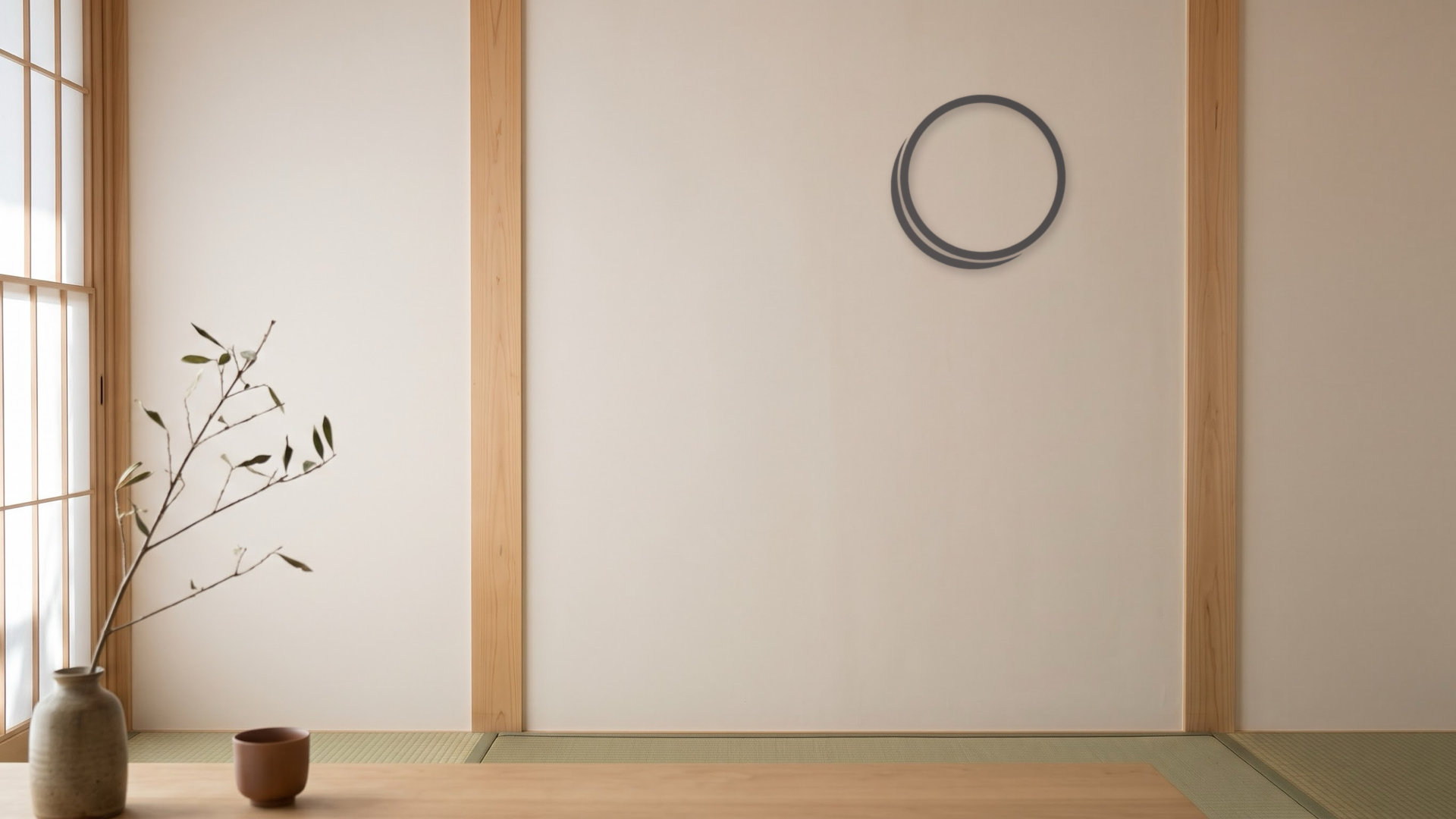
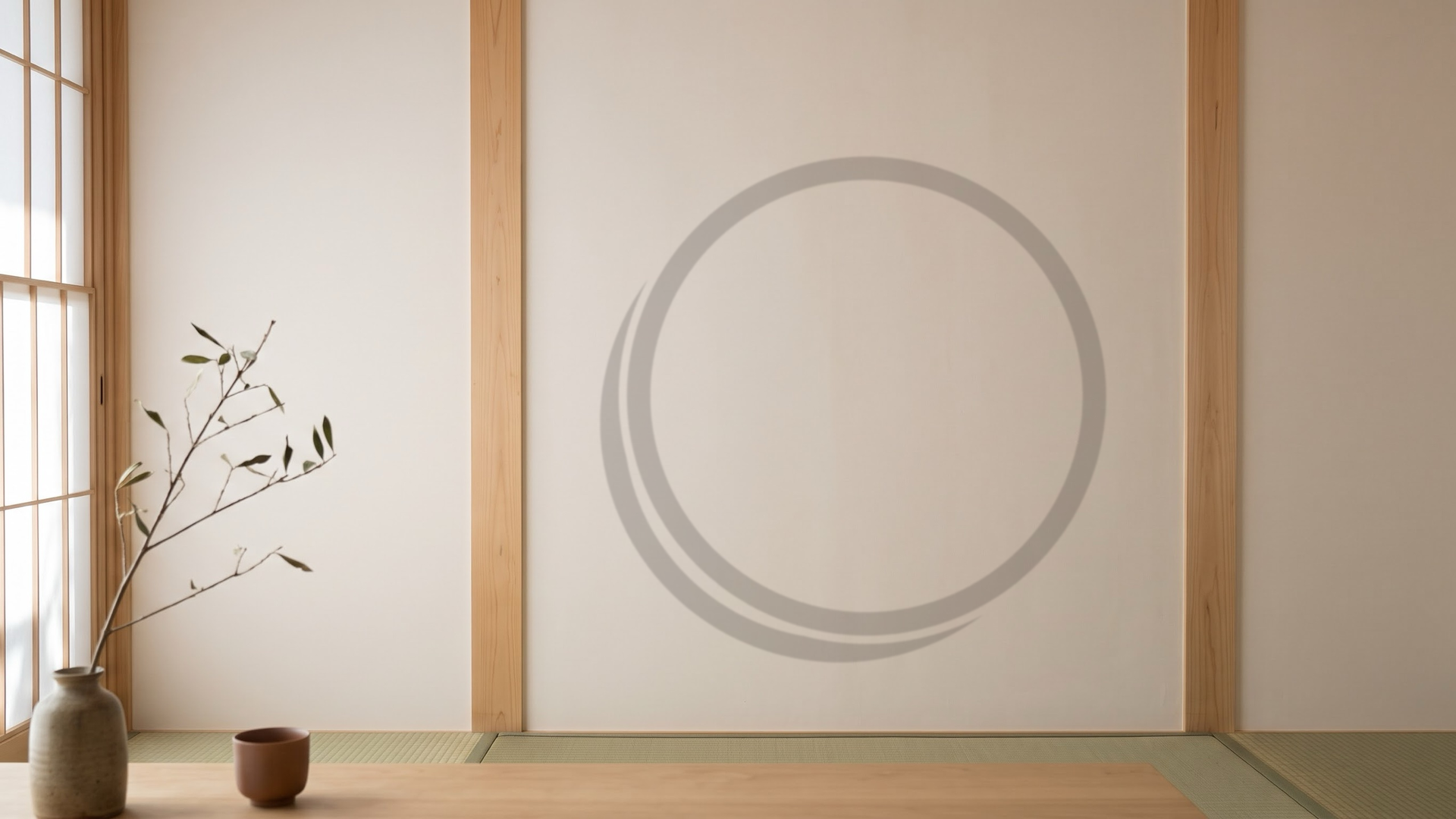
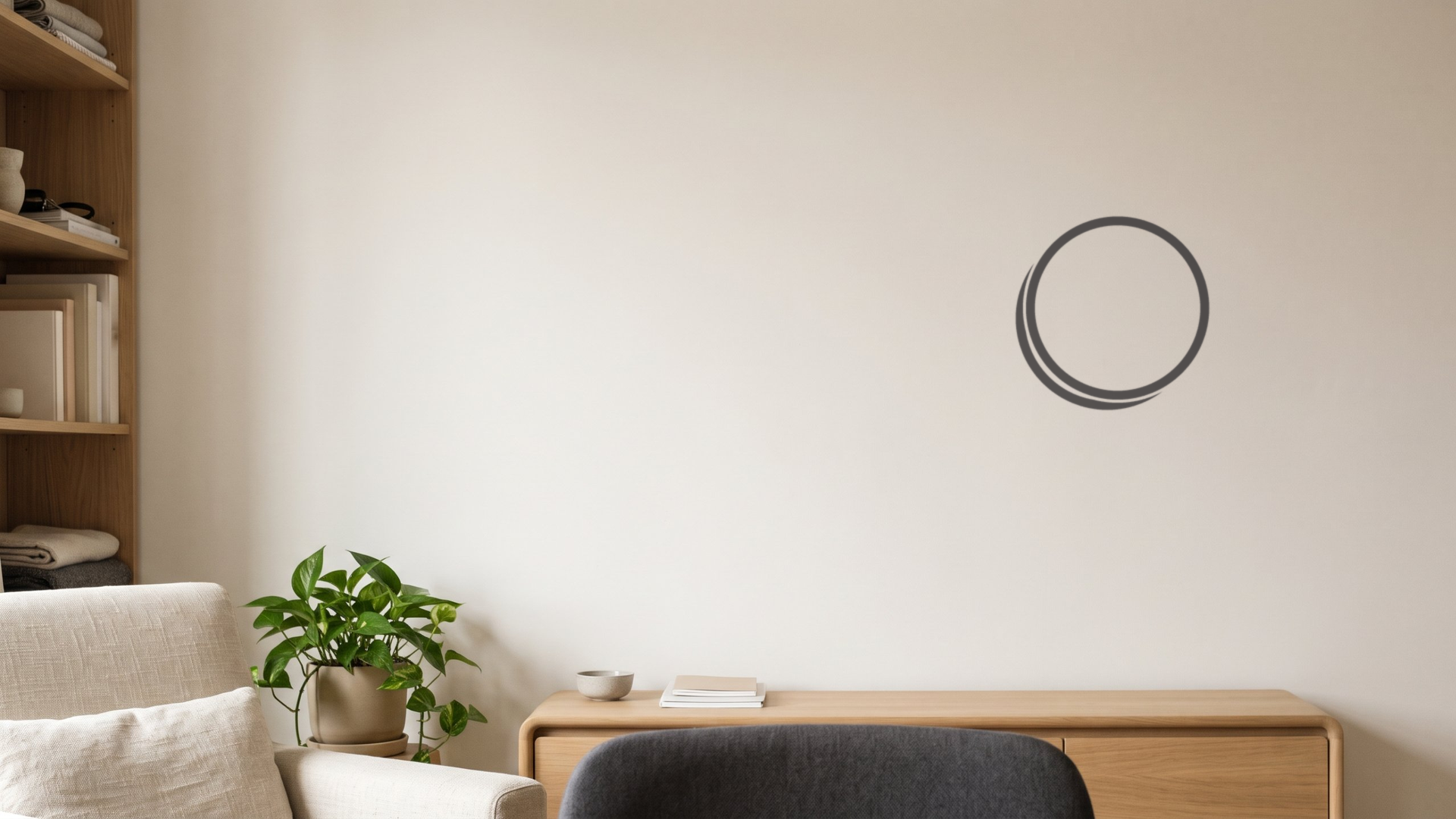
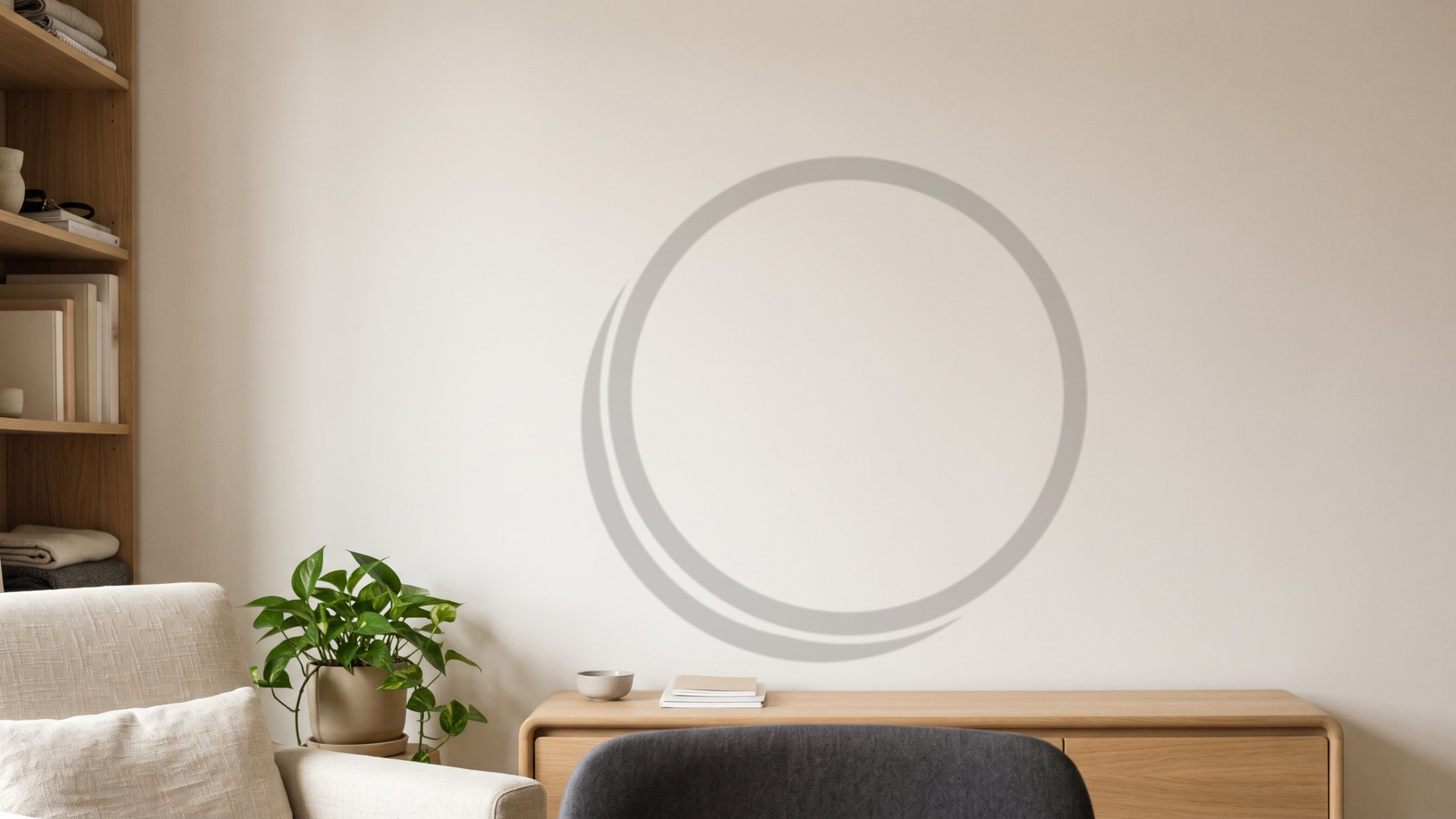
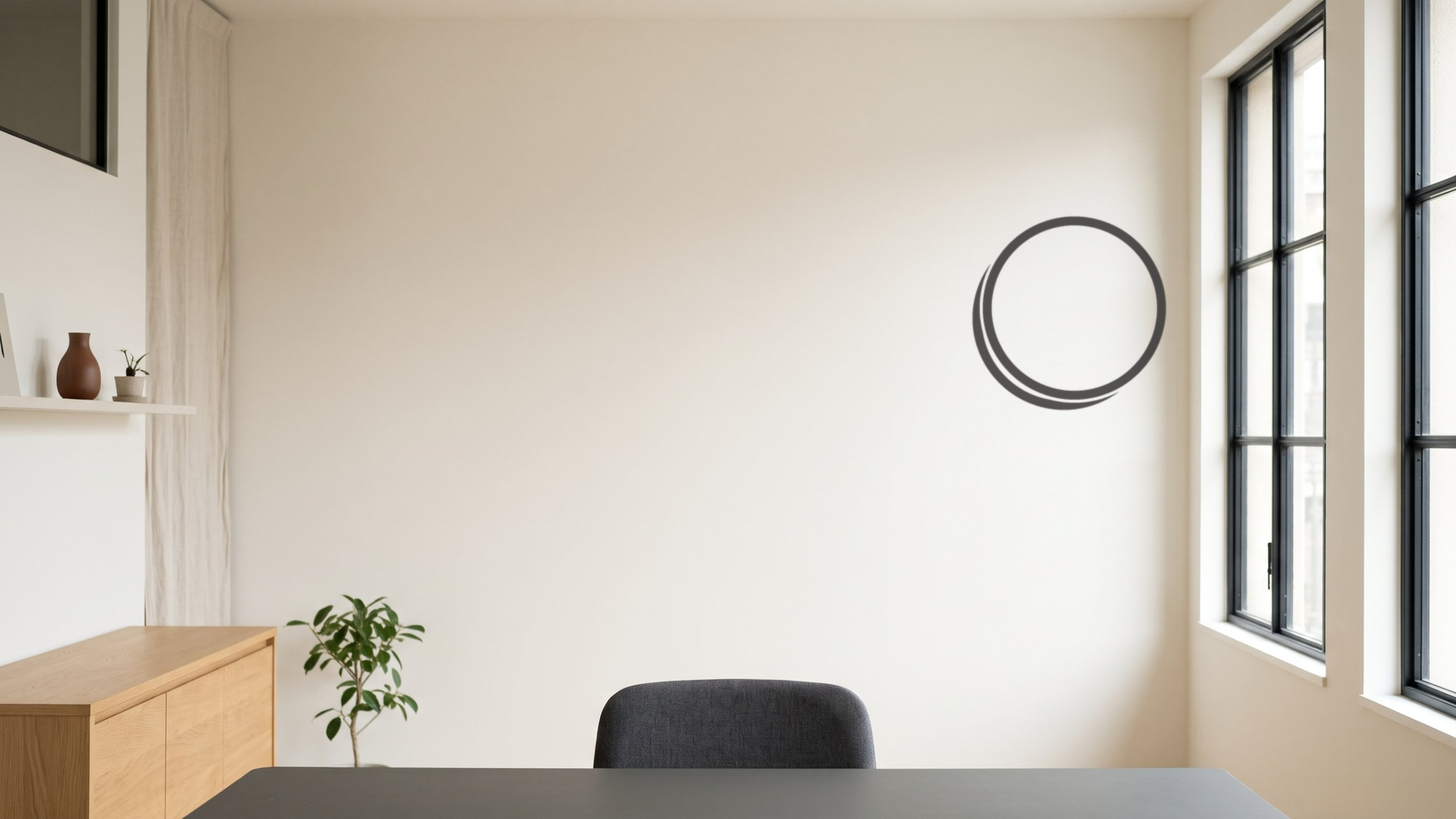
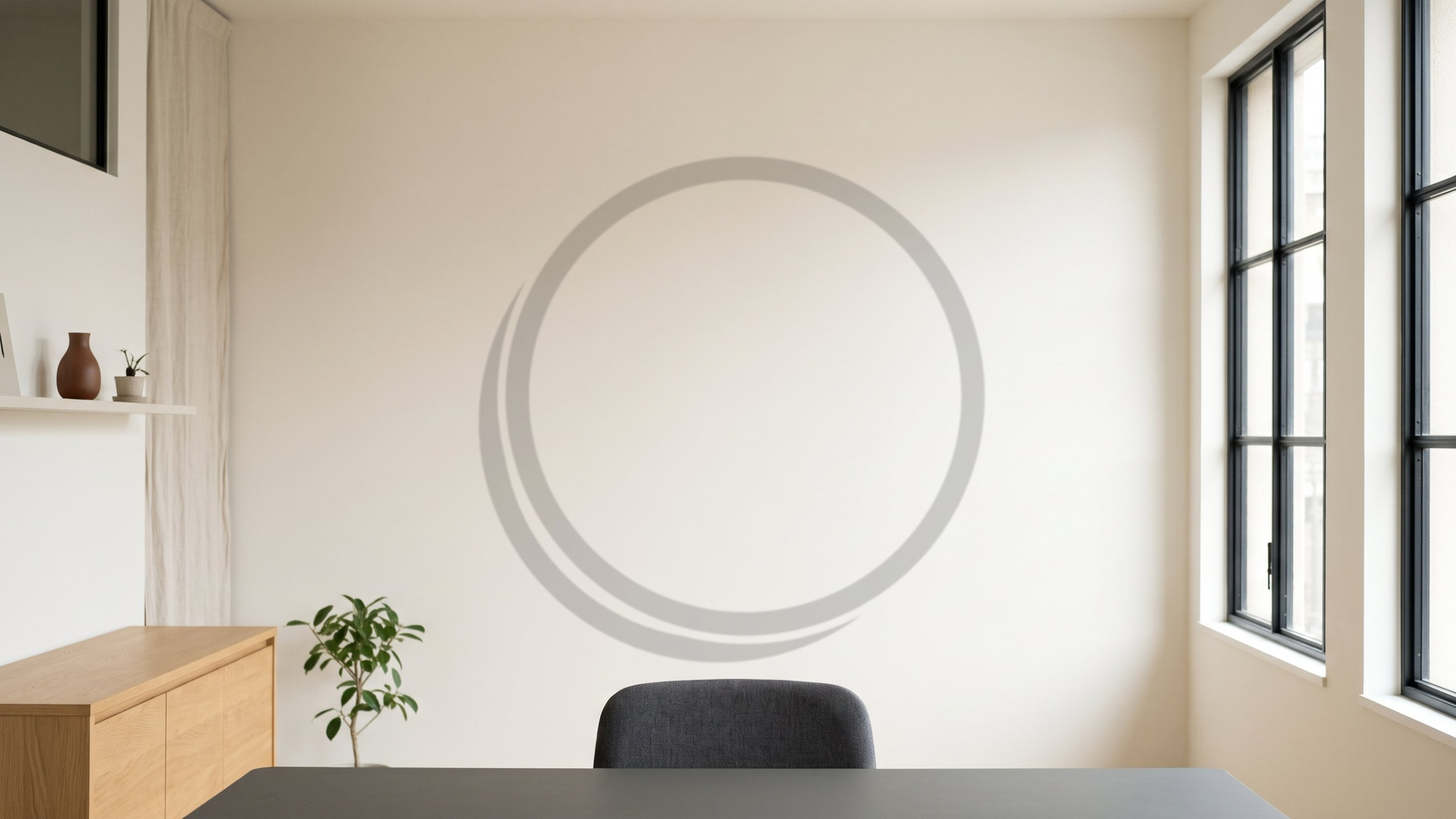
Virtual backgrounds for online meetings, made with Dibell's colors and logo. Free for anyone to use.
Old Japanese House
How to Use
- Download the background you want to use.
- In the Zoom app, open Settings → Background & Effects → Virtual Backgrounds.
- Click “+”, choose “Add Image”, and select the downloaded file.
- You can also add the image as a background in Microsoft Teams and Google Meet.
- Your own preview is mirrored, but others see it the right way round.
- The backgrounds are a warm off-white, so darker clothing stands out best.
Terms of Use
- Free to use as an online meeting background for individuals and companies. No sign-up or notice needed.
- Please do not edit the images (including changing the logo’s color, shape, or position), or redistribute or sell the image files.
- The room photos were created with generative AI and composited with the Dibell logo. They are not real places.
- Copyright © Dibell LLC.